
If this is your first mod, we recommend taking a look at the modding help page.
Disassembly
1. First, remove the pommel ring and the battery holder.
2. Next, take off the red metal cap on the switch. To do this, tap the small pin on the side of the cap as far outward as possible with a pin punch or a blunt nail and pull it out with pliers. Then unscrew the screw underneath.


3. Now unscrew the gold screw with the blue LED. It's best to carefully use pliers for this.


4. Now tap the steel pin outward with a pin punch or a blunt nail.


5. Now unscrew the covertec wheel. The long overlay can now be pulled out downward.


6. On the emitter there are three screws that look like LEDs. They need to be unscrewed. If you can't pry out the fake LEDs, the screws have to be drilled out. After that they can't be used anymore.


7. The overlay on the emitter can now be pulled off downward.


8. Now pry out the small black part of the activator.


9. Then tap the steel pin out of the black overlay. It can then be pulled off downward.


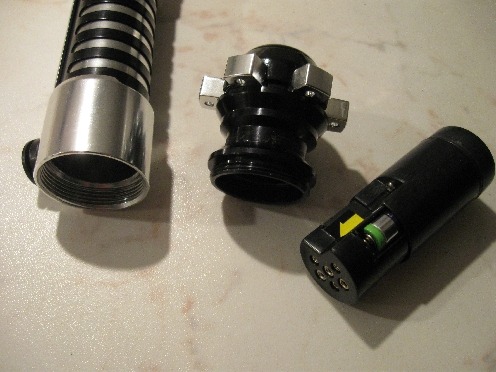
10. Finally, unscrew the ring on the emitter (the part with the Hasbro logo printed on it). If that doesn't work by hand, clamp the saber by the ring in a vise (wrap a towel around it) and then turn the hilt. After that the electronics can be removed from the hilt.
